
Please contact support on the device where you are experiencing an issue. This ensures our team has the appropriate logs to diagnose and resolve any problems.
On Mobile
- Navigate to the Support Center.
- If you are signed in:
- Tap Settings (top left button of the home screen)
- Tap Support Center
- Scroll down and tap Chat with Us.
- If you are signed in:

- If not signed in, access support from the Sign In screen by tapping Contact Support

- Please include detailed information about the issue - error messages, steps to reproduce, and any attempted troubleshooting.
- Our support team will review and respond through the chat, usually within a couple hours.
On the Web
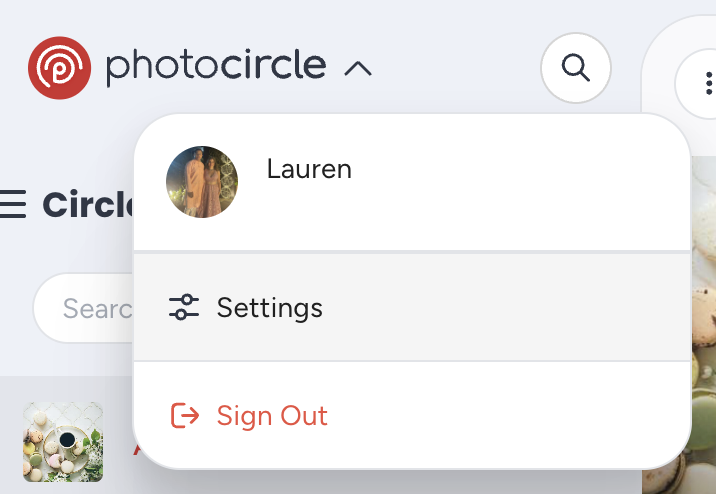
- Click on the PhotoCircle dropdown in the upper left corner.

- Click on Settings.
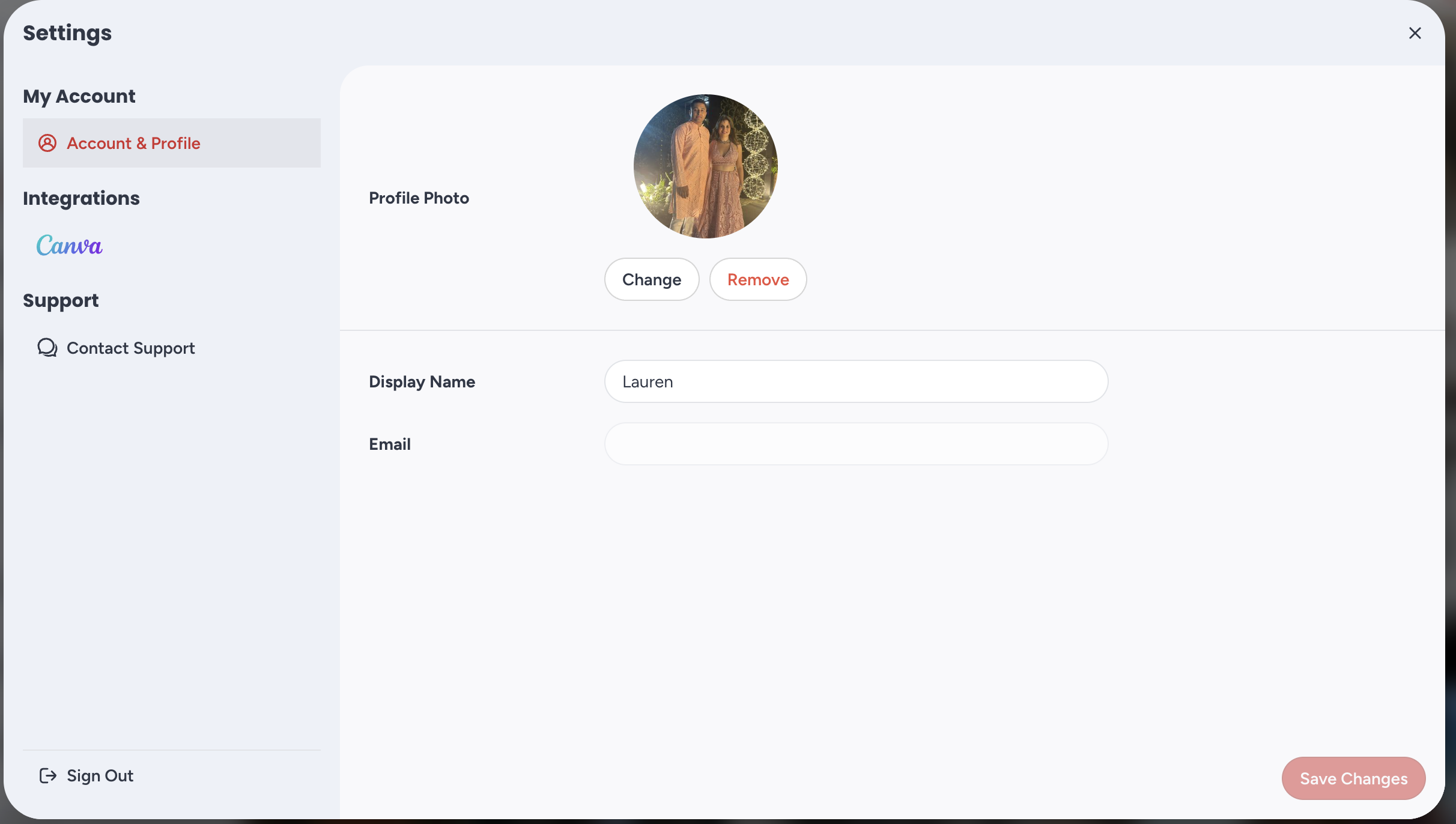
- Click on Contact Support.
- Please include detailed information about the issue - error messages, steps to reproduce, and any attempted troubleshooting.
- Our support team will review and respond through the chat, usually within a couple hours.
From the Admin Console (Premium Plan customers only)
- Click on your profile photo in the upper right corner.
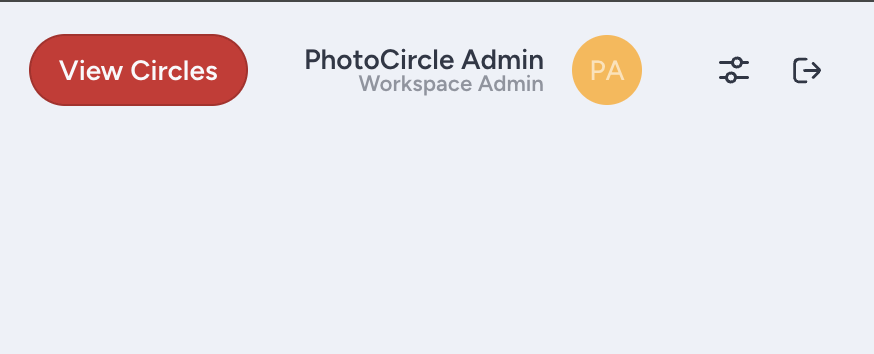
- Click on Contact Support.

- Please include detailed information about the issue - error messages, steps to reproduce, and any attempted troubleshooting.
- Our support team will review and respond through the chat, usually within a couple hours.