
If you are the Creator or Moderator of a Circle, you can promote other Members to Moderator. Follow these steps:
- Tap on the Members icon in the upper left corner.
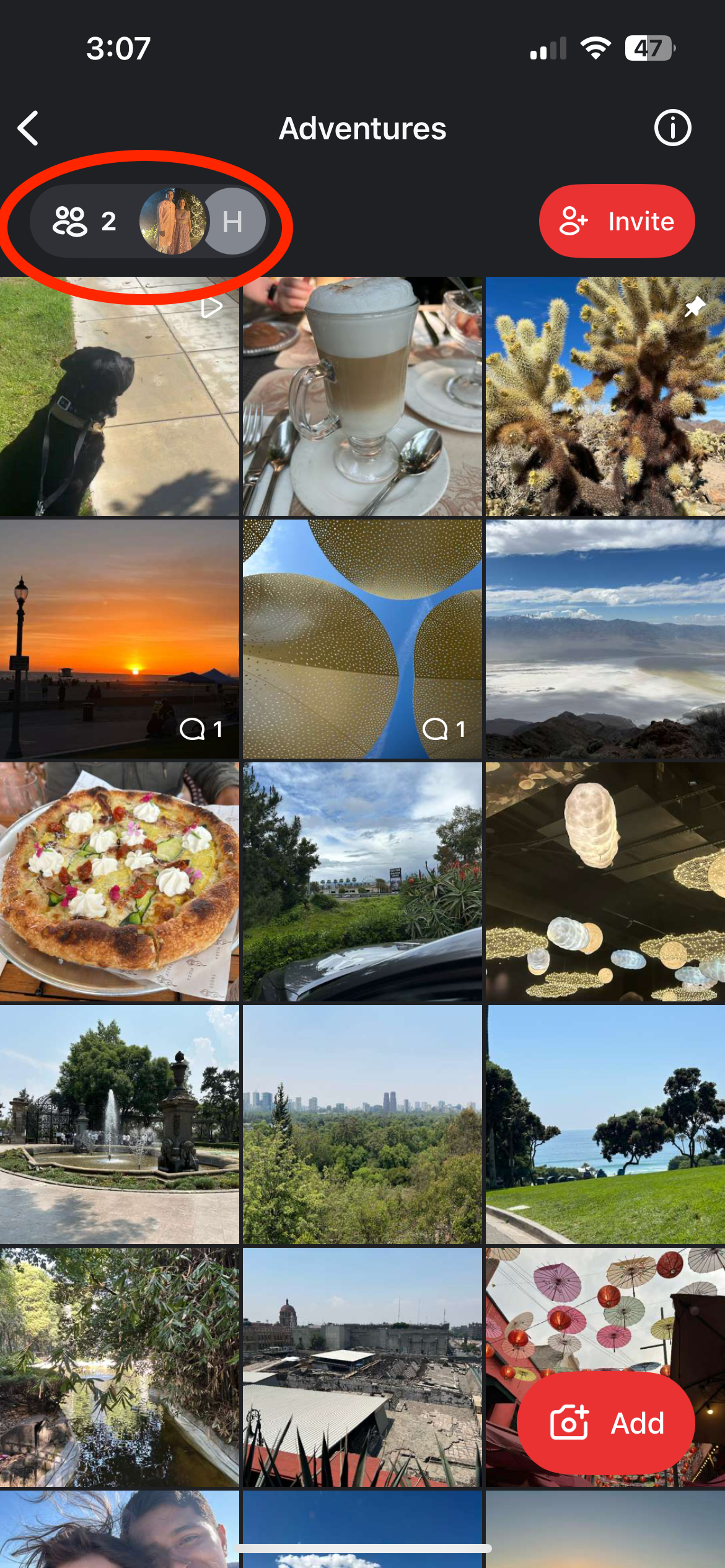
- Tap on the name of the Member you wish to promote.

- Tap Change Member Role.

- Tap Moderator.

- Tap Change to finalize.

PhotoCircle Preium Plans
PhotoCirlce's Premium Plans include a much more granular group hierarchy and roles and permissions. For more information please refer to the PhotoCircle Workspaces documentation.
Upgrade to a Nonprofit & Community Premium Plan
Upgrade to a Programs & Groups Premium Plan
Upgrade to a K-12 School Premium Plan
Upgrade to a Teams & Business Premium Plan
Please Note: PhotoCircle+ is NOT a premium plan.
Note: Our Professionals & Consultants premium plan is intended for a single professional. As a result, the Moderator role is only available for the subscriber.