
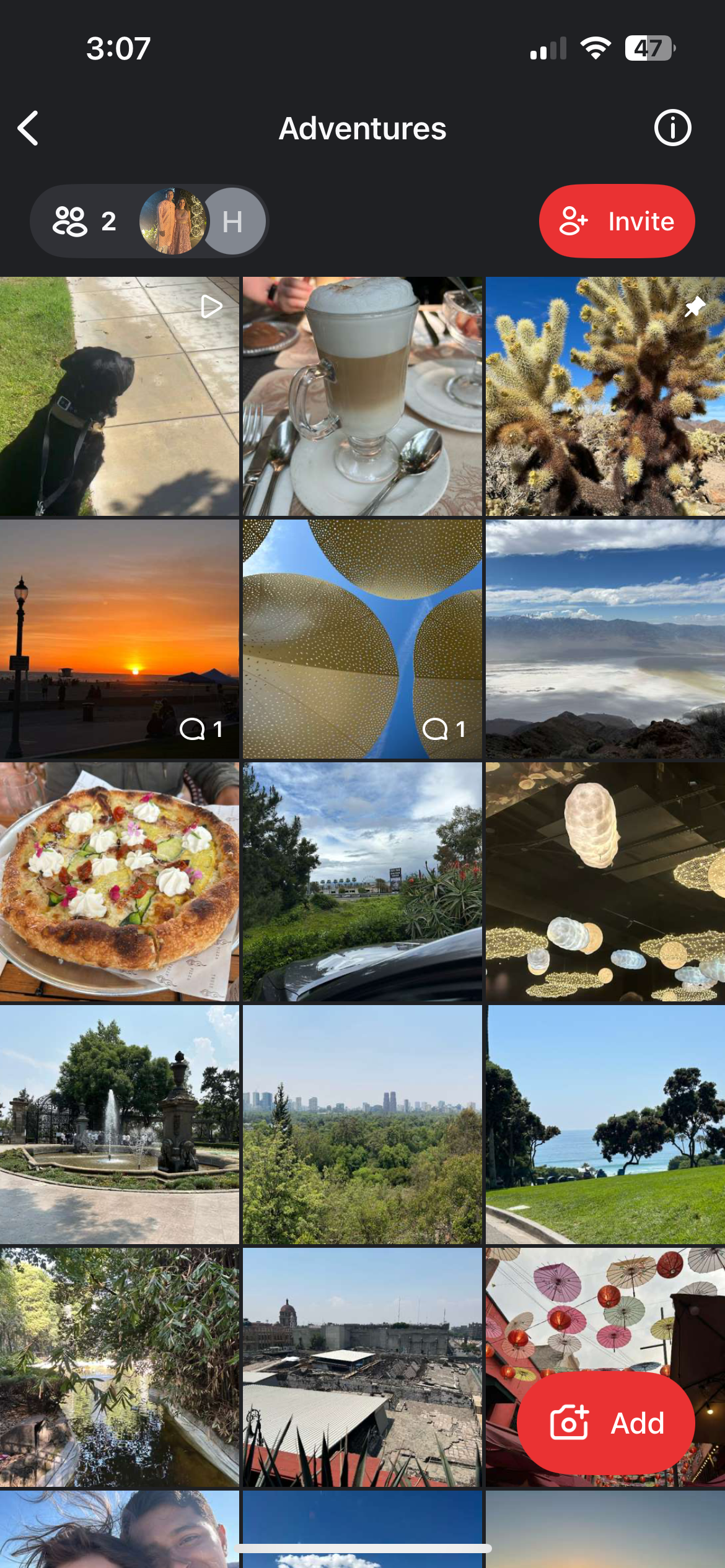
- Open the Circle you want to share and tap the Invite button in the upper righthand corner.
- Tap the box to copy the Join Link or tap Share Join Link to send to others using the app of your choice.

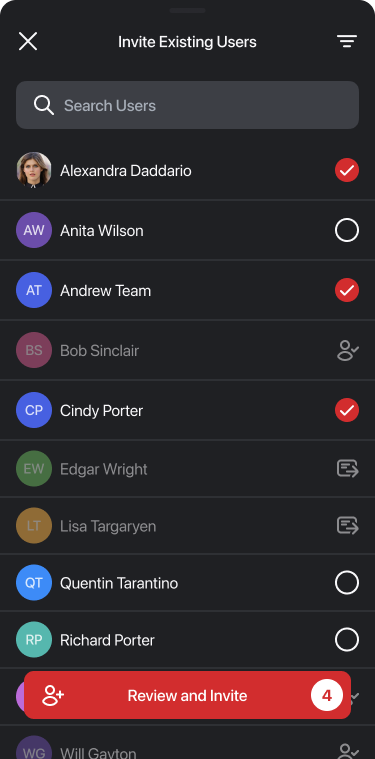
- If you wish to invite friends that are already part of your other Circles, tap Invite Existing Users.
- Users who are in the largest number of Circles with you are displayed at the top.
- You can search for specific users by display name and filter by Circle membership.
- Tap Invite to send, and the users you selected will receive a notification in app.
- If you are with the people you wish to invite or are hosting an event, tap Together? Wedding? Party? to instead create a QR code to scan. To print the QR code to include in invitations, programs, etc. for an event, tap Save Print-Friendly Version.

PhotoCircle Premium Plans
PhotoCircle's Premium Plans includes the ability to search for and join your Workspace's Circles.
Upgrade to a Nonprofit & Community Premium Plan
Upgrade to a Programs & Groups Premium Plan
Upgrade to a K-12 School Premium Plan
Upgrade to a Teams & Business Premium Plan
Note: Our Professionals & Consultants premium plan is intended for a single professional and does not include this feature.