
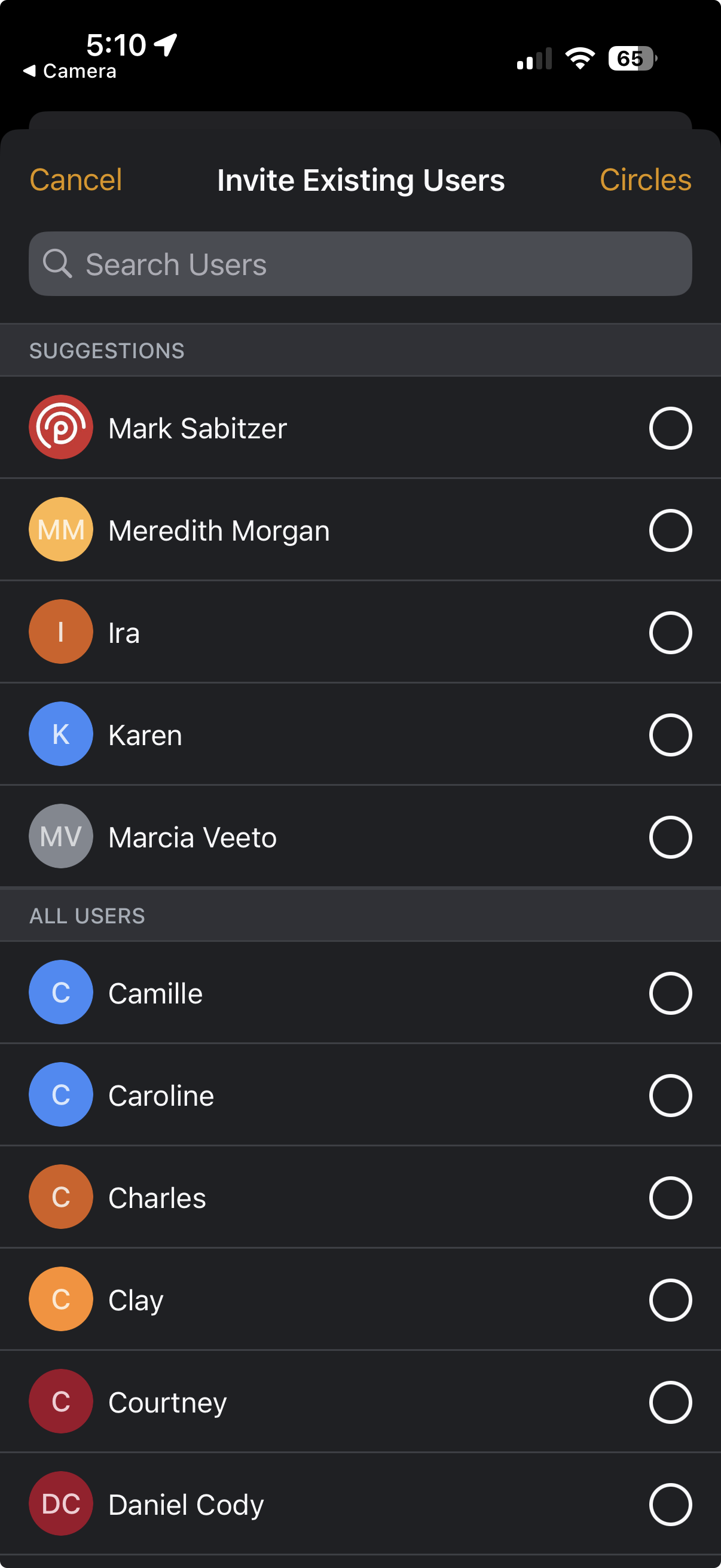
The Invite Existing Users feature also makes it easy to invite the same group of people to a new Circle without needing to manually send the Join Link or QR code to the whole group.
You can find and invite users based on either their Circle memberships or display names.
Inviting Members based on Other Circle Memberships
- Tap on Invite and then Invite Existing Users.

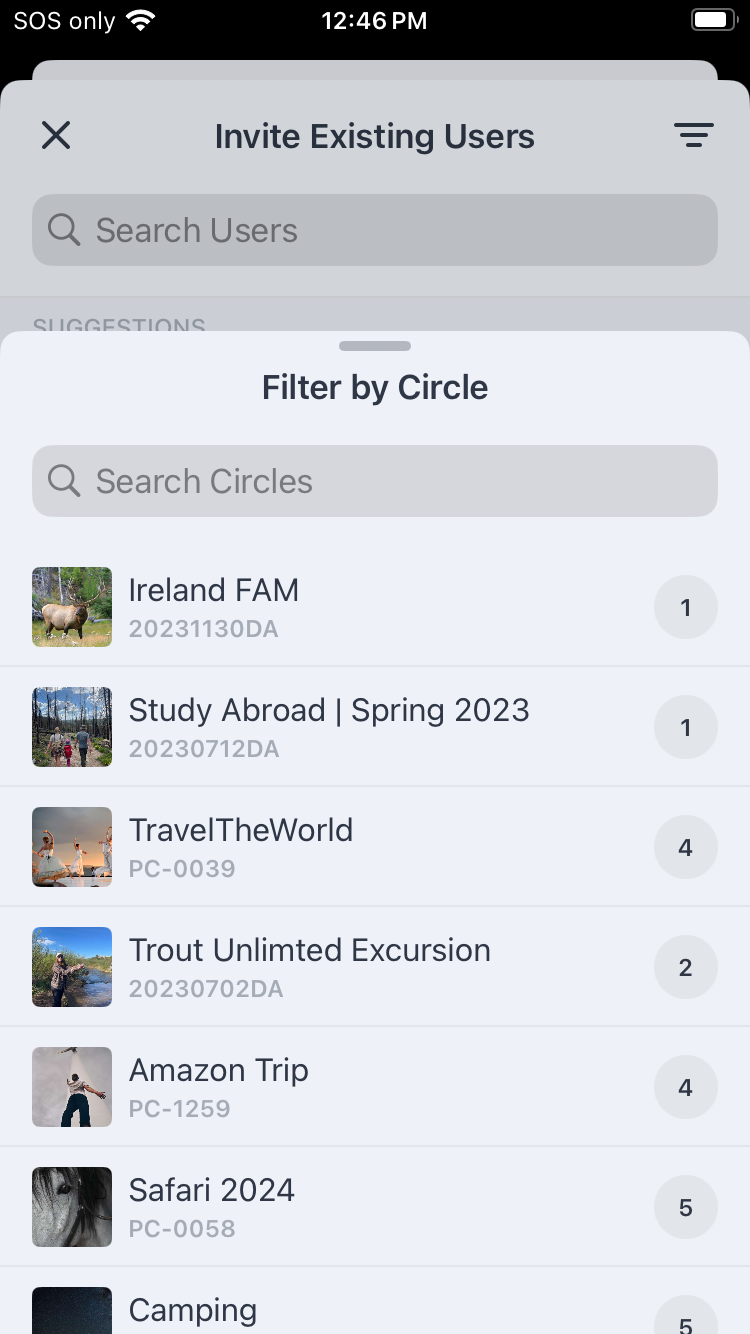
- Tap on the word Circles in the upper right corner of the modal.
- Tap on the name of the Circle where the users you wish to invite are members. You can search by the Circle's if needed.
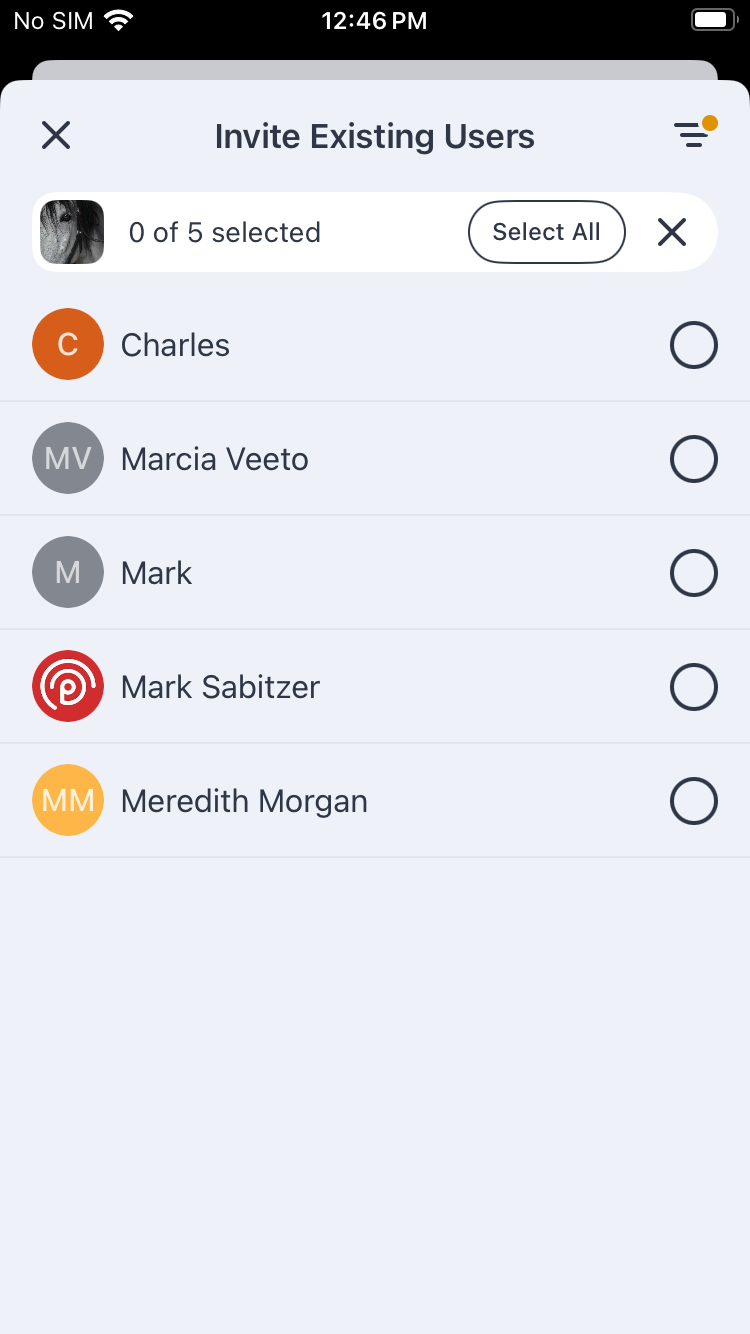
- Tap a user's row to select them or choose Select All to invite all Circle members.
- Tap Review & Invite and then Invite again. Your invitees will receive an in app and/or email invite to the new Circle based on the preferences they have selected.

Top Users & Searching by Display Name
When you open the Invite Exisiting Users modal, the top section includes a list of suggested users based on the number of Circles you have in common. If you have more than 20 other users across your various Circles, you can also search for particular users by their display name.
Tap on each user's row to select them and then tap Review & Invite and Invite again.